
- Our Services
Challenge We Tackle

You will talk to Avinash, not a sales rep.
50Cr+Ad spend managed50+Brands served7Industries - Resources
Innovative Thinking


You will talk to Avinash, not a sales rep.
The problem. A business asks for a WhatsApp chatbot quote and receives a single monthly price. A few months later, Meta message charges, provider fees and change requests appear, and the real cost is well above the number that was approved. WhatsApp chatbot cost has several parts, and they should be seen separately from the start.
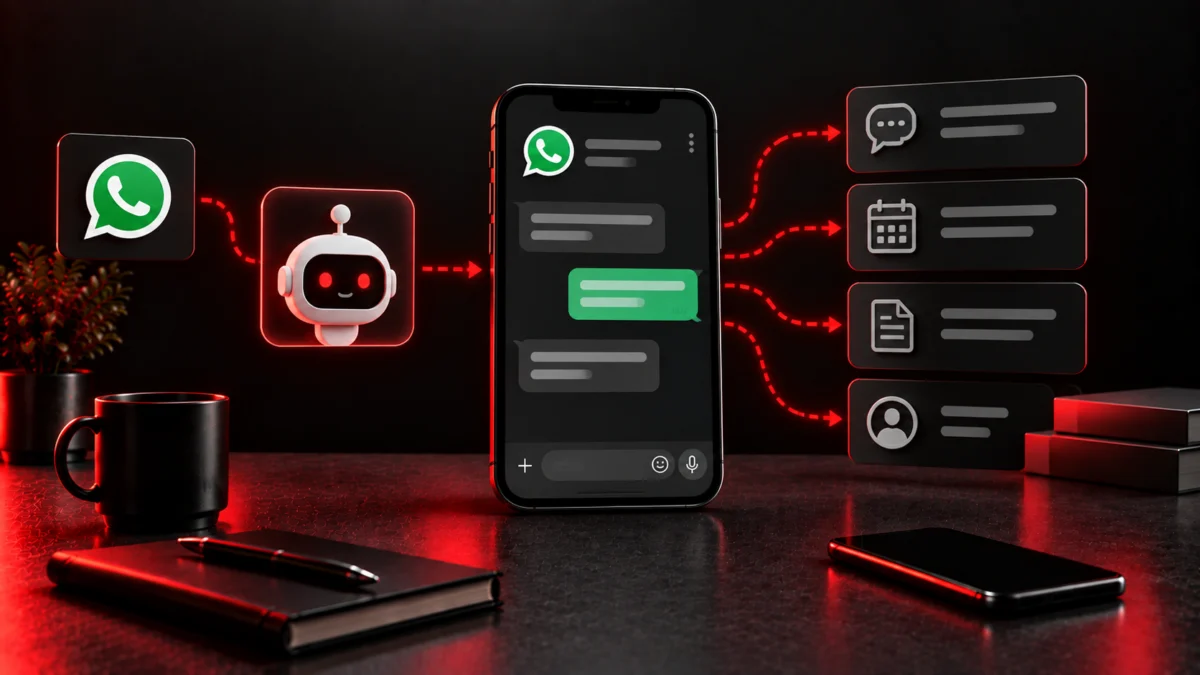
It answers and routes conversations on WhatsApp automatically through the WhatsApp Business Platform. Common jobs include replying instantly to new leads, asking qualifying questions, sharing brochures and prices, booking appointments or site visits, sending reminders, answering order status queries and handing conversations to a person when needed.
Designing conversation flows, writing and submitting message templates, setting up AI answers if used, connecting your CRM, forms or store, and testing. Simple menu bots cost less; AI-driven bots with integrations cost more.
Access to the API comes through a Meta business solution provider, which charges a monthly platform fee, often around ₹2,000 to ₹10,000 depending on features and agent seats.
Meta charges per message for templates sent outside an active customer conversation, with rates varying by category. Marketing templates cost the most. Replies within the 24-hour window after a customer messages you are much cheaper or free depending on type, which is why inbound flows cost less than outbound campaigns. We explain the platform side in WhatsApp Business API cost.
Updating flows and templates, reviewing conversations, fixing drop-off points and keeping integrations working.
Our WhatsApp API automation is ₹25,000 to build plus ₹8,000 a month to run. Provider subscriptions and Meta per-message fees are billed separately at actual cost. All fees are exclusive of GST.
Yes, for proper automation at scale. The regular WhatsApp Business app offers only basic automated greetings and quick replies.
It depends on message category and country. Marketing templates are the most expensive; service replies inside the 24-hour window are much cheaper.
WhatsApp suits follow-up and ongoing conversations; a website bot suits visitors during research. Compare with website AI chatbot cost.
Budget for build, provider fees, Meta message charges and ongoing improvement as separate lines. Start with instant lead response and qualification, where payback is fastest. See our WhatsApp marketing rules and costs for the wider picture, or tell us your use case for a clear estimate.

Question about SEO, ads or leads? Ask away.
 How can we help?Ask our assistant, or talk to a human.
AI can make mistakes. For quotes, use WhatsApp.